Create Your First dicehub Page
In this article
Every page you create in dicehub is a fresh canvas where you can add whatever content you want. Follow these steps to create your first one 📄
Create a page
There are a few ways to add a new page in dicehub.
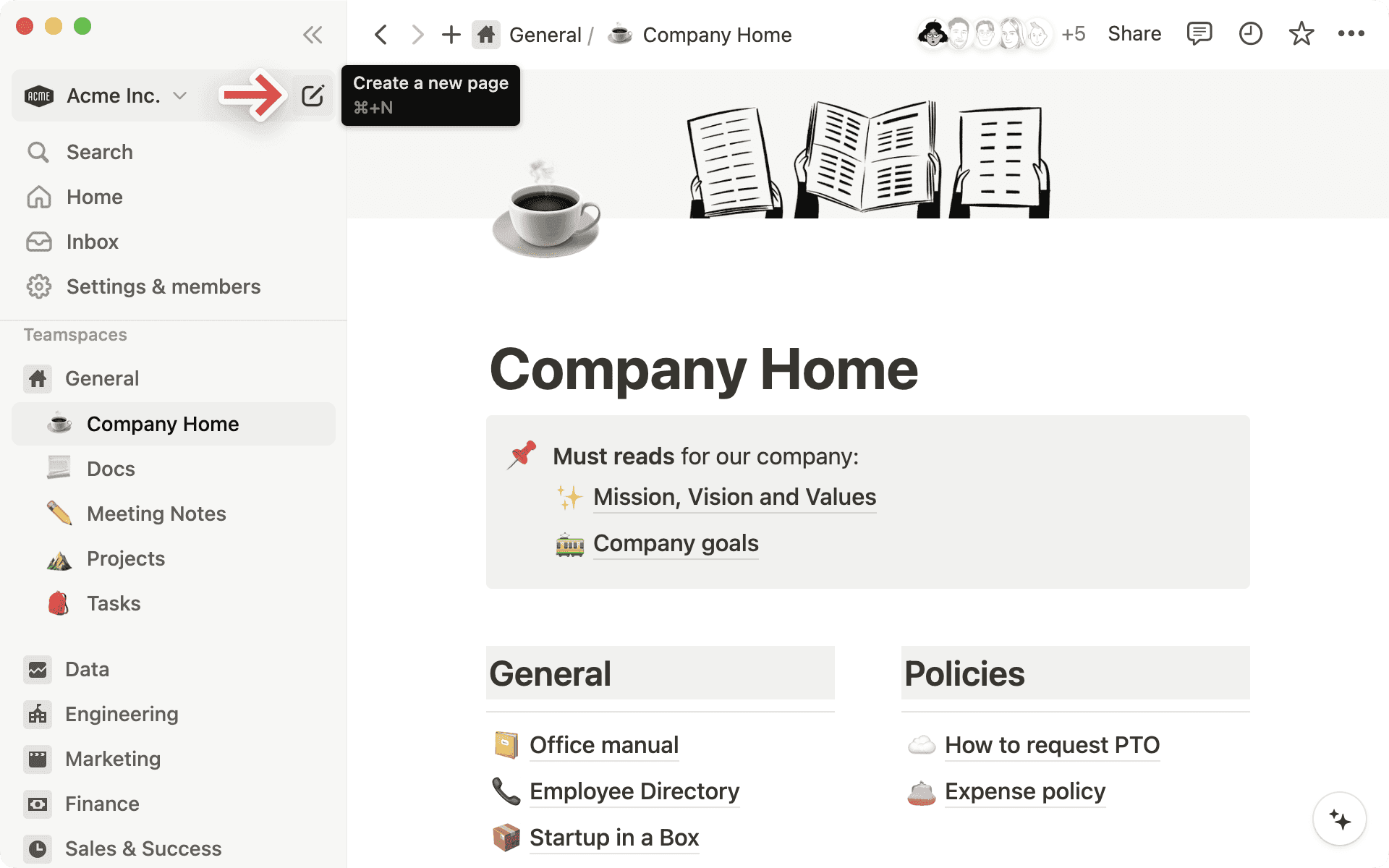
- Click 📝 at the top of your left sidebar.
- If you’re on the desktop app, use the shortcut cmd/ctrl + N.
- If you’re on mobile, tap 📝 at the bottom of your screen.
Start writing
Once your new page opens, you can give your page a title and start jotting down your thoughts.
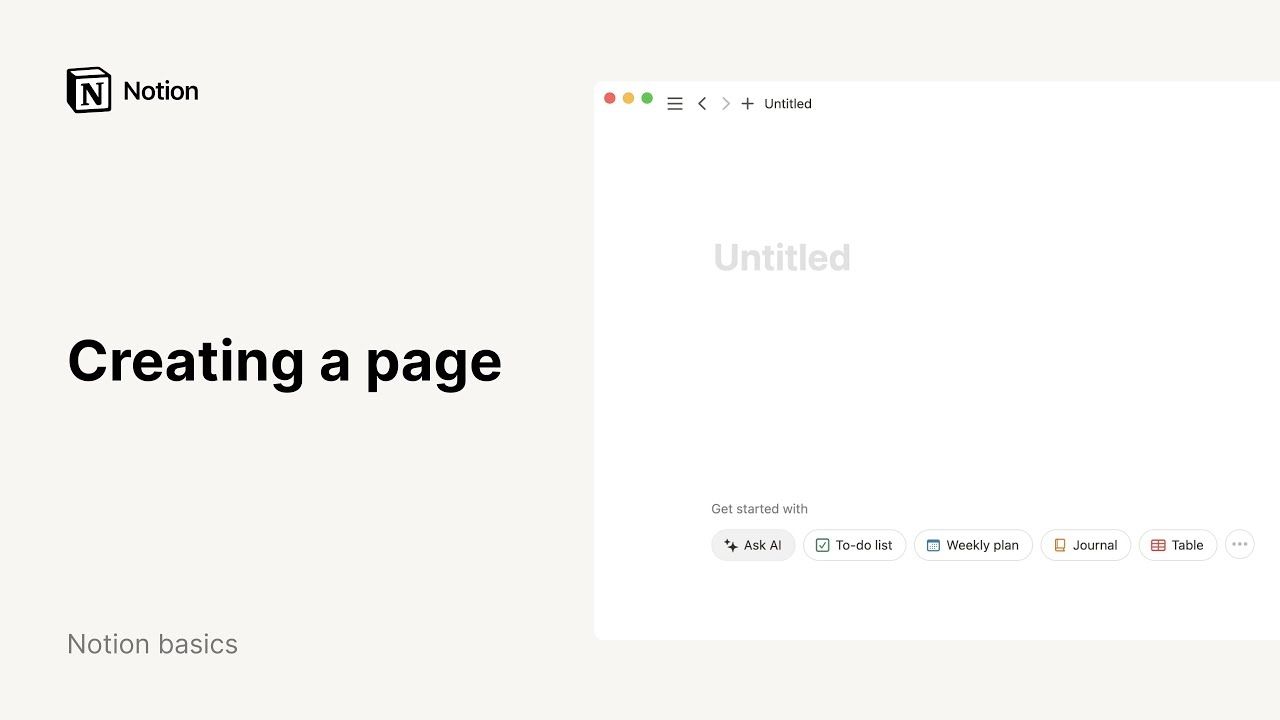
Need some inspiration or structure? On desktop or web, select any of the options at the bottom of the page to get started. You can import from an app or file, use a template, create a table, and more — select an option you like, and your page will be formatted accordingly!
As you write, highlight any text on your page to bring up a menu of options. You can change the color or style of your text, add a comment or hyperlink, and more. Learn more about writing and editing basics here →